Your IDE,
Now has an IDE.

Intelligent Document Editor

Intelligent Document Editor

VisualiseTurn thinking into artifactsCursor CanvasClaude ArtifactsChatGPT SpacesCollaborateShare it with the whole teamNotionObsidianConfluenceMeridianvisualise and collaborateVisualiseTurn thinking into artifactsCursor CanvasClaude ArtifactsChatGPT SpacesCollaborateShare it with the whole teamNotionObsidianConfluenceMeridianvisualise and collaborate

Meridian is an intelligent document editor built right into your agentic coding platform and IDE. It's a home outside of chat conversation, where you, your team and your agents can build context-aware plans, and documents that never go stale. Every team member can bring their own AI and platform to write and read Meridian docs. Get started in seconds.

We are in trials with teams that build world-class software

We are in trials with teams that build world-class software

We are in trials with teams that build world-class software

#

Core features

Documentation for engineers and product managers in the AI age

Plan, design, share and ideate in documents, not chats, using Meridian’s content-rich format. Build a repository of knowledge your colleagues actually read, while saving tokens. And never worry about docs going stale.

Markdown is dying

And the people killing it built Claude Code. Working in md has become default practice for engineers in the AI era but AI and humans prefers HTML and that's why Claude and Meridian is built on top of it.
Save Tokens

When engineers don’t have docs, you pay an agent to re-explain the system every time someone asks. And when you do have docs, they go stale and can’t be trusted. Either way, it costs you tokens.

Asking an agent how the system works
The answer10%Re-reading the repo to derive it90%
The same question, a week later
Reused from last time5%Derived from scratch, again95%
The same question, with Meridian
Never spent80%Still spent20%

<>

Bring your own

Bring your own agentic platform or IDE
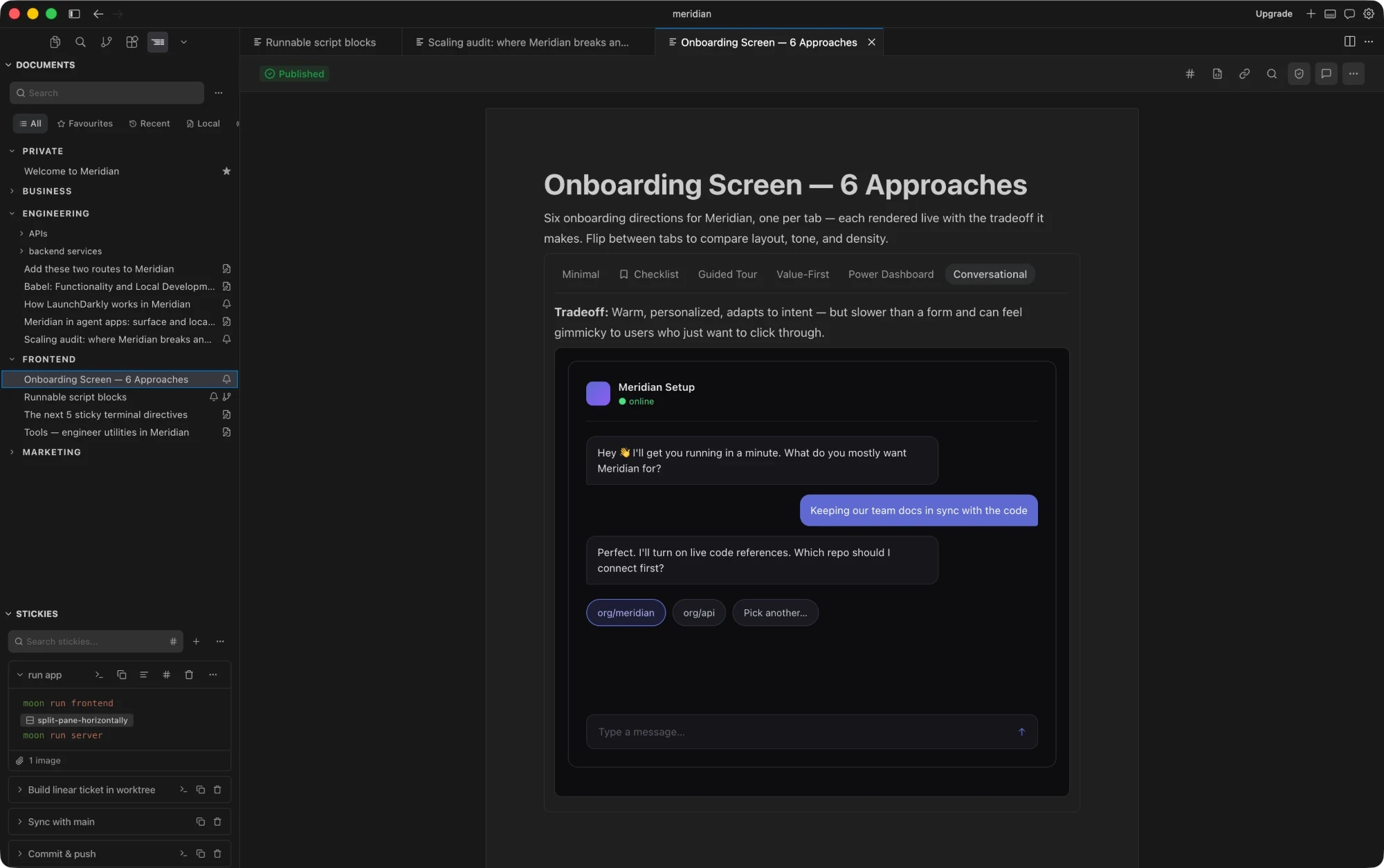
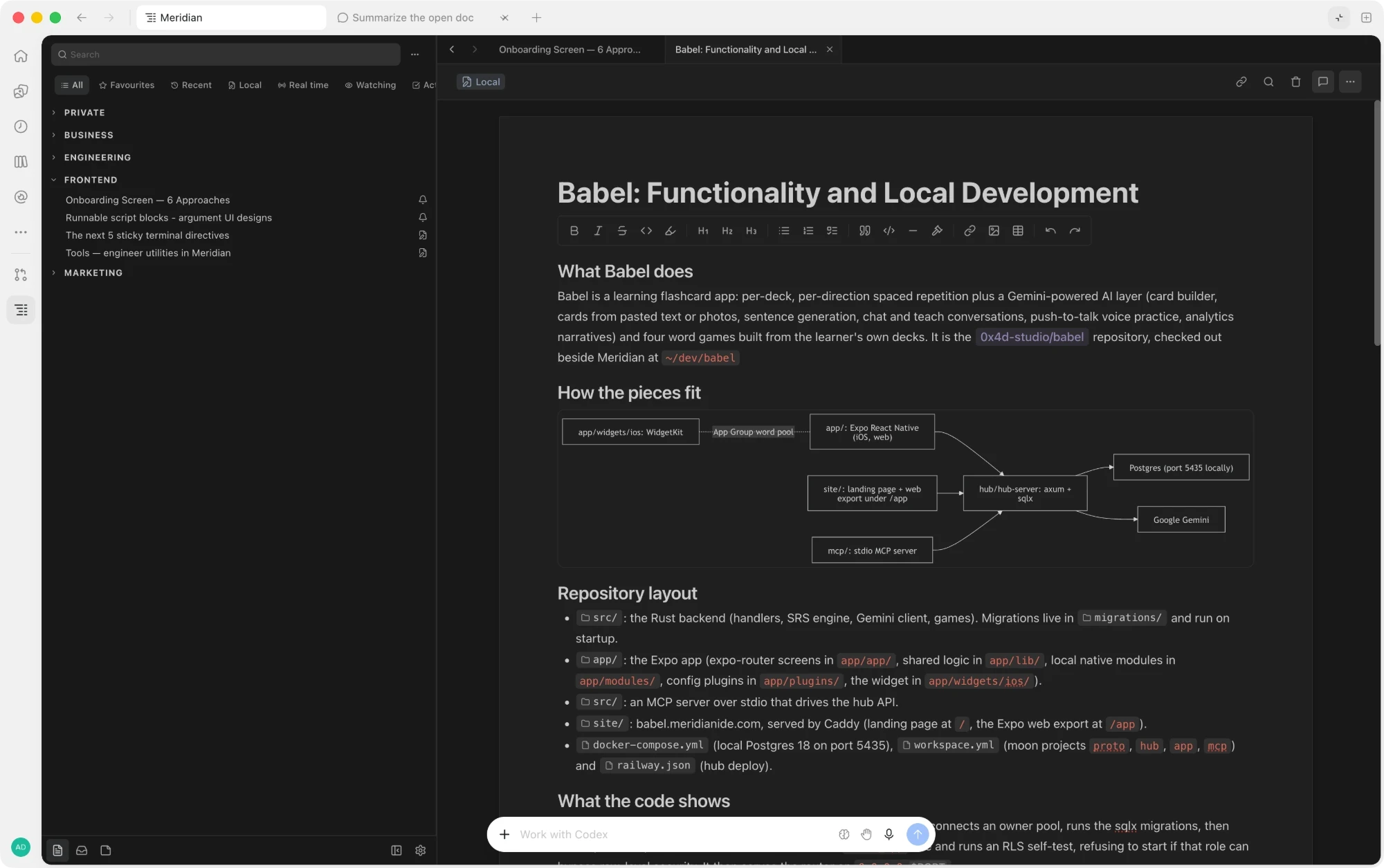
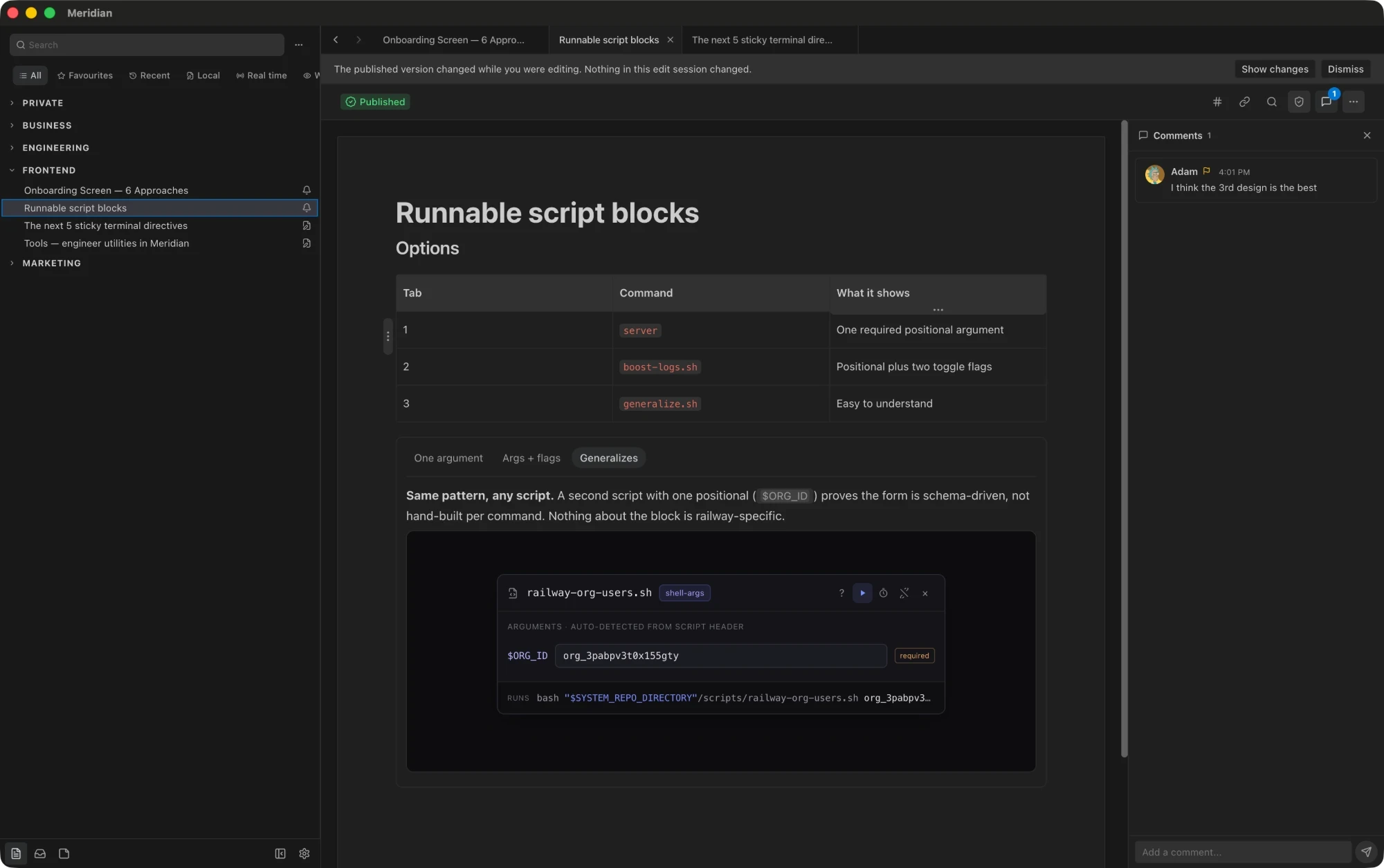
Meridian inside Cursor

Meridian is natively embedded in every IDE and agentic application, so you and your colleagues can keep working the way you already work.

><

Meridian Compares

The tools we use today just aren’t built for engineers

Meridian
Cursor Canvas
Notion
ChatGPT Spaces
Claude Artifacts
Obsidian
Designed for engineers and product
code-aware docs both teams can read
Cursor CanvasBuilt for engineers in the editor. Product teams are left out.
NotionStrong for product teams, but it knows nothing about the code.
Staleness checks
flags docs whose sources changed
MeridianEvery doc remembers the code and docs it was written from, and flags itself when any of them change.
Embed docs in code
docs that open right inside your repo
MeridianReplace README.md with README.mrdoc to see your Meridian docs directly in your codebase.
ObsidianMarkdown notes can live in the repo, but nothing ties them to the code.
Live code references
doc text linked to code on main
MeridianCode references in a doc stay synced to your main branch on GitHub, and flag when the code they point to changes.
Inline editing, not regeneration
change one line without redoing the rest
Cursor CanvasA canvas is regenerated from scratch to change it.
ChatGPT SpacesArtifacts are regenerated from scratch to change them.
Claude ArtifactsArtifacts are regenerated from scratch to change them.
Multiple authors
anyone on the team can edit
Cursor CanvasOnly the person who made a canvas can edit it.
Claude ArtifactsOthers can remix a copy, but only the author can edit the original.
ObsidianOnly through community plugins.
Runs code
scripts run from the doc in your terminal
ChatGPT SpacesRuns code in a hosted sandbox, not on your machine.
Claude ArtifactsRuns front-end code in a sandboxed preview.
ObsidianOnly through community plugins.
Comments
threads on the text itself
Private docs
drafts and notes only you can see
Cursor CanvasCanvases can be kept as drafts and published later.
Works across agents
Claude, ChatGPT, Codex, Copilot, Gemini
NotionReachable from agents through its MCP server, read and write only.
ObsidianOnly through community MCP servers.
Works across platforms
VS Code, Cursor, JetBrains, Windsurf, desktop
NotionWeb, desktop and mobile apps, but not inside an IDE.
ObsidianDesktop and mobile apps, but not inside an IDE.
Inbuilt and native
inside the tools you already use
Saves tokens
agents read the doc, not the whole repo
NotionAgents can read pages through MCP, but nothing keeps them current.
ChatGPT SpacesProject files are reused as context, but nothing keeps them current.
Claude ArtifactsProject knowledge is reused as context, but nothing keeps it current.
Verified docs
an owner signs off on what is true
Real-time co-editing
write together, live
ObsidianOnly through community plugins.
Built inPartialNot available

Based on each product's publicly documented features as of October 2026. Partial means limited, or only through third-party plugins.

--

Testimonials

I write a runbook, hit cmd+enter, and the command runs in the terminal beside it. It changed what 'documentation' even means for our oncall rotation.

Anderson

Full-stack engineer, Stripe

Code references alone justified the rollout to our team. A new hire clicks a symbol in an onboarding doc and they're inside the function.

Wesley

Senior Engineer, Okta

The 'docs are stale' excuse died the day we switched - every PR now updates the spec it touches, because the spec sits in the same repo.

Anne

Full-stack engineer, Stripe

The code references feature especially caught my eye. Keeping docs from going stale is such a real pain point.

Lia

Engineer, Datadog

Baking code and docs in the same context window makes working with AI so much better. Meridian gives AI the toolbox to represent plans, in a human-readable way.

Ben

CTO, Flagship

Stickies is my favourite. In the AI age, I run shell scripts and terminal workflows many times a day and now everything is easier. I love it.

Brandon

CTO, Crowded

I write a runbook, hit cmd+enter, and the command runs in the terminal beside it. It changed what 'documentation' even means for our oncall rotation.

Anderson

Full-stack engineer, Stripe

Baking code and docs in the same context window makes working with AI so much better. Meridian gives AI the toolbox to represent plans, in a human-readable way.

Ben

CTO, Flagship

The code references feature especially caught my eye. Keeping docs from going stale is such a real pain point.

Lia

Engineer, Datadog

The 'docs are stale' excuse died the day we switched - every PR now updates the spec it touches, because the spec sits in the same repo.

Anne

Full-stack engineer, Stripe

Code references alone justified the rollout to our team. A new hire clicks a symbol in an onboarding doc and they're inside the function.

Wesley

Senior Engineer, Okta

Stickies is my favourite. In the AI age, I run shell scripts and terminal workflows many times a day and now everything is easier. I love it.

Brandon

CTO, Crowded

$

Pricing

Build

1-10 developers

$60/month

For the first year. First month free. USD.

  • +Docs, stickies and code references that stay fresh
  • +MCP for Claude, Codex and Cursor
  • +Billed per GitHub organization
  • +Cancel anytime
Start your free month

Grow

11-50 developers

$150/month

For the first year. First month free. USD.

  • +Docs, stickies and code references that stay fresh
  • +MCP for Claude, Codex and Cursor
  • +Billed per GitHub organization
  • +Cancel anytime
Start your free month

Scale

50+ developers

Custom

Enterprise pricing and support.

  • +Everything in Grow
  • +Volume pricing for large orgs
  • +A direct line to the team
Book a meeting

Installing Meridian is free. A subscription covers your GitHub organization: connect your organization in the app, then subscribe from its Billing settings. A card is required to start the free month; the first charge is at the end of it.

// FAQ

Try Meridian

Install in seconds.

Start immediately.

© 2026 Meridian Studios Ltd · Company No. 517352225 · 6 Yitzhak Sadeh Street, Tel Aviv–Yafo 6777506, Israel